Stay Updated Always TXEPC 2026 The Smart System to Never Miss a Critical Software Update in
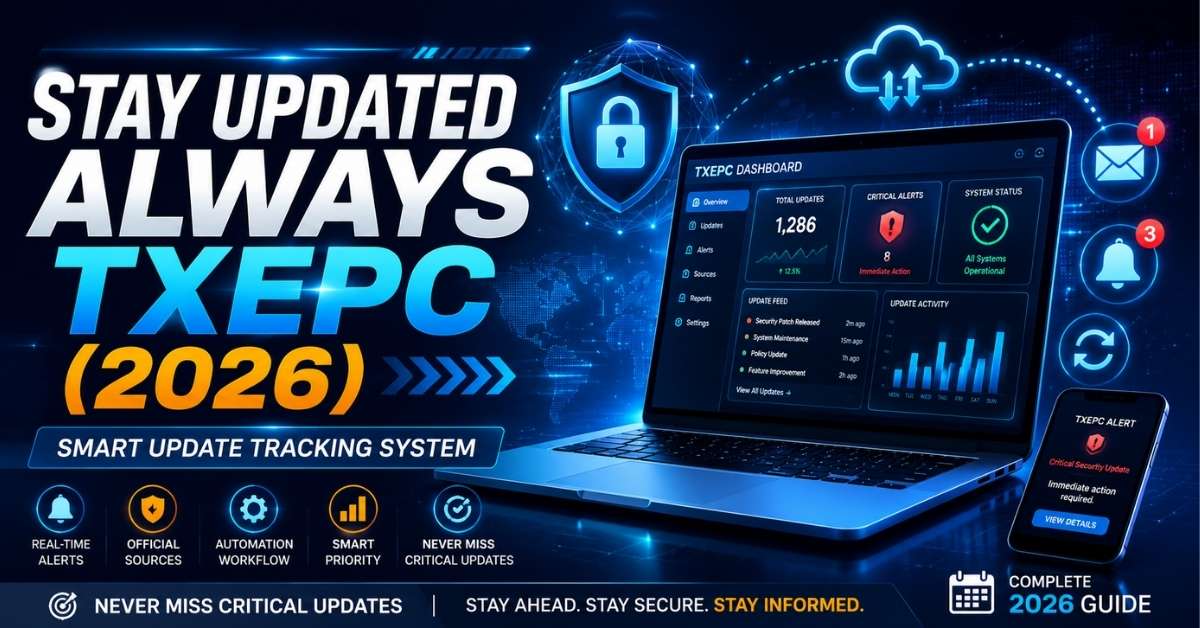
Software moves fast now. Your operating system pushes a patch. Stay Updated Always TXEPC 2026 Your favorite app rolls out a new feature. A plugin you rely on drops a security fix at 2 a.m. If you’re not watching, you miss it.
That’s the real problem most people face today. It’s not that updates are rare. It’s that there are too many of them, coming from too many places, and no single system to catch them all. This guide breaks down a practical, no-nonsense approach to software update tracking that actually works whether you’re managing one laptop or a whole team’s tech stack.
What Software Update Tracking Actually Means
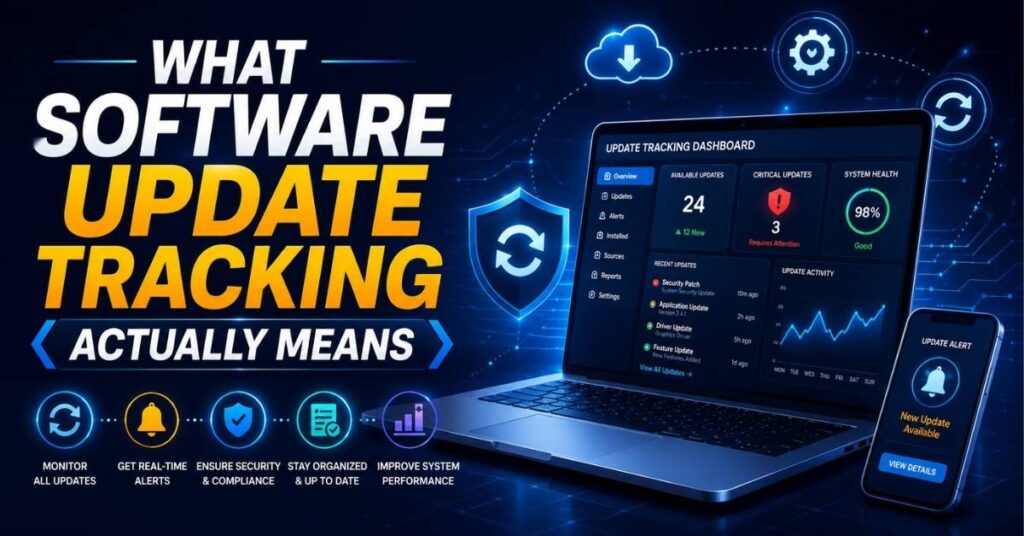
At its core, update tracking is just this: knowing when something you use changes, and deciding whether that change needs your attention right now, later, or not at all.
Sounds simple. But most people handle it badly. They either ignore updates until something breaks, or they get buried in notifications and start ignoring everything, including the important stuff. A good tracking system sits in the middle. It filters noise, flags what matters, and lets you act fast when speed counts like a notification filtering layer between you and the flood of changelogs, release notes, and patch alerts hitting your inbox every day.
How Updates Actually Reach You
Most updates travel through a handful of channels, and knowing them helps you set up better monitoring.
| Channel | Common Source | Speed | Reliability |
| Built-in updater | Windows Update, App Store, Google Play | Automatic | High |
| Package manager | Homebrew, npm, apt, Chocolatey | Manual or scheduled | High |
| RSS/Atom feed | Changelogs, blogs, GitHub Releases | Real-time | High if official |
| Email newsletter | Vendor announcements | Delayed | Medium |
| Social media | Twitter/X, Discord, Reddit | Fast but noisy | Low to medium |
| Third-party aggregator | Slack bots, Zapier, IFTTT | Depends on setup | Medium |
GitHub Releases deserves a special mention here, since a huge share of the software world open-source tools, developer libraries, and self-hosted apps ships its changelogs there. You can subscribe to release notifications for any repository directly on github.com by clicking “Watch” and choosing “Custom > Releases.”
Why You Can’t Just “Check Later” Anymore
A decade ago, checking for updates once a month was fine. That’s not really true anymore. Security researchers publish new vulnerabilities constantly, Stay Updated Always TXEPC 2026 and attackers move quickly once a flaw becomes public. The gap between a patch release and the first exploit attempt has been shrinking for years which is exactly why security teams talk so much about update response time.
This isn’t about paranoia. It’s about odds. The longer a known vulnerability sits unpatched on your system, the more exposed you are, especially if that software touches the internet in any way: a browser, an email client, a web server, a VPN app.
What Happens When You Fall Behind
Missing updates doesn’t just mean you lack the newest feature. It creates compounding problems.
Old software versions stop matching what your other tools expect, so integrations break. Security holes stay open, sometimes for months, giving attackers a known and documented way in vulnerability databases like the National Vulnerability Database (nvd.nist.gov) publish these details publicly, which helps defenders but also helps attackers who scan for unpatched systems.
Compliance requirements in regulated industries, like healthcare or finance, often mandate patch timelines, and falling behind can trigger audit failures. None of these problems announce themselves loudly at first. They build quietly, then show up all at once.
Read More: Best Playing Games Blog PlayBattleSquare: Ultimate Gaming Guide 2026
Types of Updates You Should Actually Care About
Not every update deserves the same reaction. Some genuinely need action within the hour. Others can wait a month. Learning the difference is the whole game.
Security patches fix known vulnerabilities and usually deserve fast attention, especially for anything internet-facing.
Feature updates add new capabilities and rarely need urgency unless they change a workflow your team depends on. Stay Updated Always TXEPC 2026 Performance updates improve speed or stability and are safe to batch into a weekly review. Stay Updated Always TXEPC 2026 Compliance or policy updates things like new data-handling rules in an app you use for regulated work need review but rarely need same-hour action.
| Priority | Update Type | Typical Response Time | Example |
| Critical | Actively exploited security flaw | Within hours | Zero-day browser patch |
| High | Known vulnerability, not yet exploited | Within 1–3 days | CVE-rated library fix |
| Medium | Feature or workflow change | Within a week | New UI in a work tool |
| Low | Minor bug fix, cosmetic change | Batch monthly | Small visual tweak |
A good rule of thumb: if an update touches authentication, data storage, or network access, treat it as high priority until proven otherwise.
Common Mistakes People Make While Tracking Updates
Most failures here aren’t technical. They’re habits.
People subscribe to too many sources and drown in noise, so they eventually stop reading any of it. They treat every notification as equally urgent, Stay Updated Always TXEPC 2026 which leads to alert fatigue the same phenomenon nurses and IT admins have complained about for years, Stay Updated Always TXEPC 2026 where too many alarms make people numb to all of them. They rely on memory instead of a system, checking for updates only when they happen to remember, which is inconsistent at best.
The fix isn’t more effort. It’s better structure. A centralized dashboard that pulls updates from a handful of trusted sources will always beat a scattered pile of fifteen open browser tabs.
Building a Practical Update Tracking System
Here’s a system that actually holds up over time, built around a few core ideas: centralize your sources, filter by real urgency, automate what you can, and review what’s left on a schedule.
Start by picking your official sources. For each piece of software you rely on, find its real changelog or release feed not a third-party blog summarizing it, the actual source. Most vendors publish a security advisory page too; bookmark it.
Next, route everything into one place. Stay Updated Always TXEPC 2026Tools like Feedly or Inoreader can aggregate RSS feeds from changelogs and blogs into a single reading list. For code-based tools, GitHub’s notification settings let you watch specific repositories for release events only, cutting out the discussion noise.
Then set up light automation. Zapier or IFTTT can push new release notifications into a Slack channel or an email digest, so you’re not manually visiting ten different websites. Finally, build a review rhythm.
A short daily scan five to ten minutes catches anything urgent. A slightly longer weekly review handles the rest: reading through feature updates, deciding what to test, and clearing out anything already handled.
Read More: Best Geekzilla Tio Geek Explained: Your Complete Guide to Tech & Geek Culture 2026
A Simple Daily and Weekly Routine
Ten minutes each morning is usually enough to scan for anything flagged critical or high priority overnight, and to check whether any internet-facing tool has a pending security patch. Once a week, spend thirty minutes going through everything else feature updates worth testing, performance notes worth reading, and any backlog that built up.
Tools Worth Using in 2026
You don’t need an expensive enterprise platform to do this well. A handful of well-chosen tools cover most needs.
| Tool | Best For | Why It Works |
| GitHub Watch (Releases) | Developer tools, open-source software | Direct from the source, zero noise |
| Feedly / Inoreader | Aggregating changelogs and blogs | One dashboard for many RSS feeds |
| Slack / Microsoft Teams + Zapier | Team-wide alerts | Pushes updates where your team already works |
| Microsoft Intune / Jamf | Managing OS and app updates across devices | Built for IT teams, handles patch deployment |
| CVE feeds (cve.org, nvd.nist.gov) | Security-specific tracking | Authoritative, government-maintained vulnerability data |
For individuals, Feedly plus GitHub Watch covers most needs. Stay Updated Always TXEPC 2026 For IT teams managing many devices, a proper patch management platform like Intune or Jamf handles the heavy lifting of actually deploying updates, not just tracking them.
Security While You’re Tracking Updates
The tracking system itself can become a target. Stay Updated Always TXEPC 2026 Fake update notifications are a well-documented phishing tactic attackers send an email or popup that looks like a legitimate update prompt, hoping you’ll click and install malware instead.
Stick to official channels only, and treat unsolicited update prompts with suspicion, Stay Updated Always TXEPC 2026 especially ones that arrive by email or as a browser popup rather than through the software’s built-in updater. Never install an update from a link in an email, even if it looks convincing. Go to the vendor’s site directly instead.
Signs You’re Falling Behind
A few warning signs tend to show up before things go seriously wrong: a growing backlog of unread release notes, software versions that no longer match across your devices, more manual troubleshooting than usual, or genuine confusion about which version you’re even running.
Any one of these on its own isn’t a crisis. Two or three together usually mean it’s time to rebuild your routine from scratch rather than patch it further.
Read More: Tubefalire Explained: The Real Causes Behind Digital Failures and How to Prevent Them 2026 Guide
Frequently Asked Questions
How often should I check for software updates?
Check critical, internet-facing tools daily a five to ten minute scan is enough. For everything else, a weekly review works fine. Anything less often than that, and you risk letting security patches sit unapplied for too long.
What’s the difference between a security patch and a feature update?
A security patch fixes a known vulnerability and usually deserves fast action, sometimes within hours. A feature update adds new functionality and rarely needs urgency, unless it changes a workflow your team relies on. Treat them differently, and you’ll cut a lot of unnecessary stress out of your routine.
Which sources count as “official” for update tracking?
The vendor’s own changelog, release page, or security advisory page. For open-source tools, that’s usually the GitHub Releases page. Avoid relying on third-party blogs or social media summaries as your primary source — they’re often delayed, incomplete, or just wrong.
Do I need paid tools to track updates properly?
No. Free tools like GitHub Watch and Feedly cover most individual needs. Paid platforms like Microsoft Intune or Jamf make more sense once you’re managing updates across many devices or an entire team, since they handle deployment as well as tracking.
How do I avoid fake update notifications?
Only trust update prompts that come through the software’s built-in updater, or from a link you typed yourself into the vendor’s official site. Never click an “update now” link inside an unsolicited email or popup, even if it looks legitimate.
What should I do if I’ve fallen badly behind on updates?
Don’t try to catch up on everything at once. Start by patching anything security-related and internet-facing first, then work backward through the backlog by priority. Rebuild your routine afterward so the backlog doesn’t happen again.
Conclusion
Staying on top of software updates isn’t about reading everything. It’s about building a system that surfaces what matters and lets the rest wait. Pick your official sources, centralize them in one dashboard, automate the boring parts, and set a routine you can actually stick to.
Do that, and you’ll spend less time firefighting and more time actually using your tools which, honestly, is the whole point.